![Covisum_color300.png]](https://www.covisum.com/hs-fs/hubfs/Covisum_color300.png?height=40&name=Covisum_color300.png)
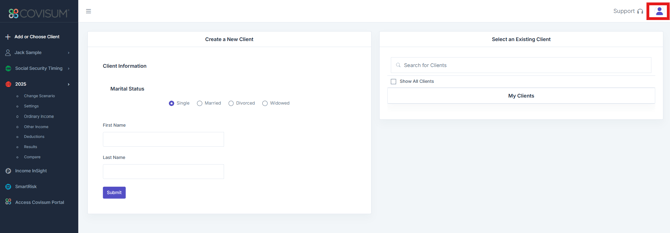
Login to your account at https://suite.covisum.com and click on the user icon in the upper right corner
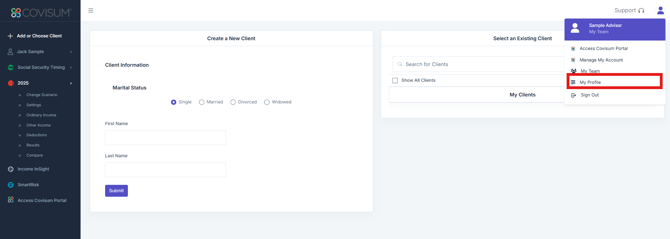
Click on 'My Profile'
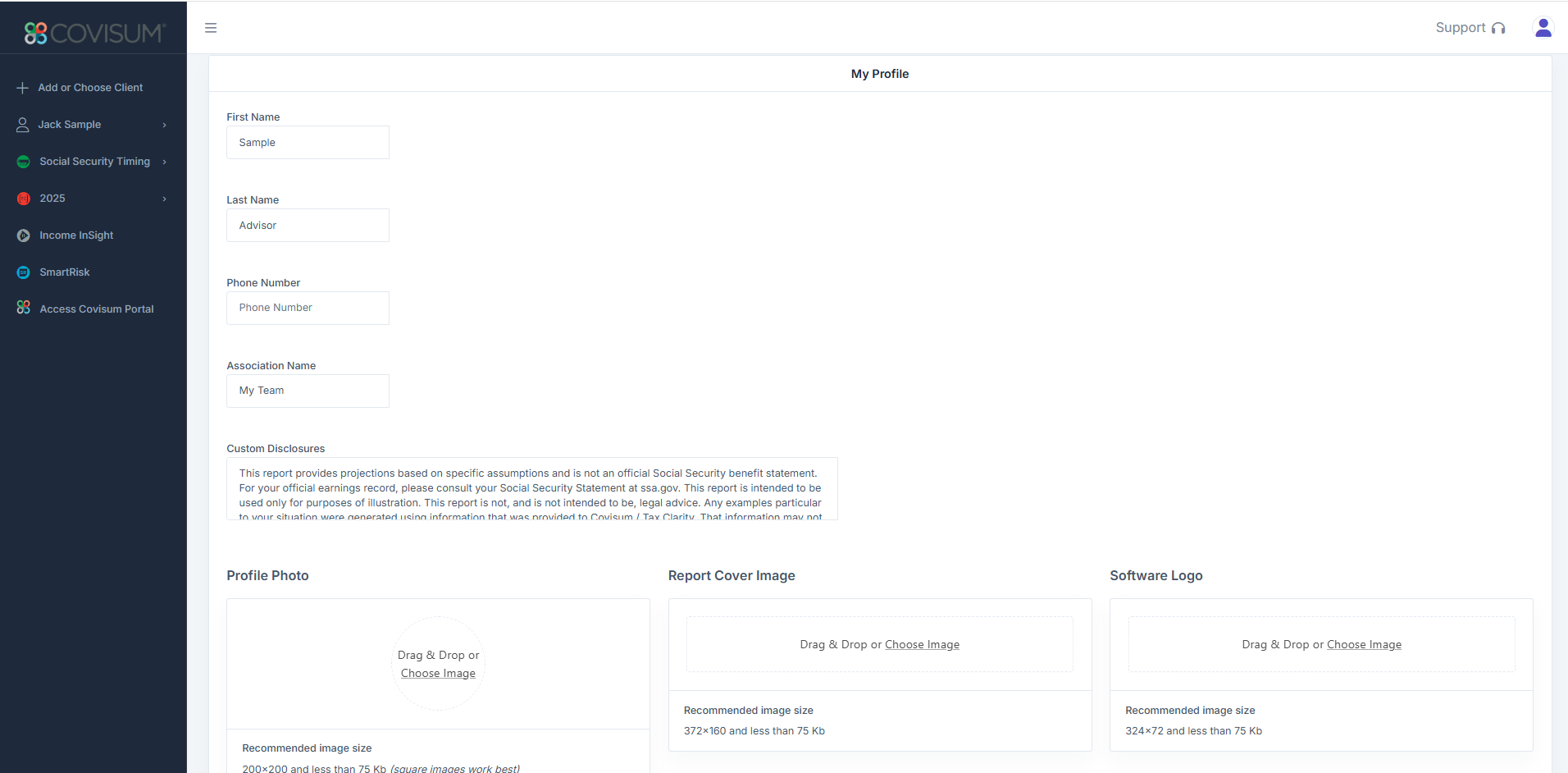
Custom Disclosures: No limitation
Profile Photo: 200 x 200, less than 75kb, PNG and JPEG file formats supported (square images work best)
Report Cover Image: 372 x 160, less than 75kb, PNG and JPEG file formats supported
Software Logo: 324 x 72, less than 75kb, PNG and JPEG file formats supported
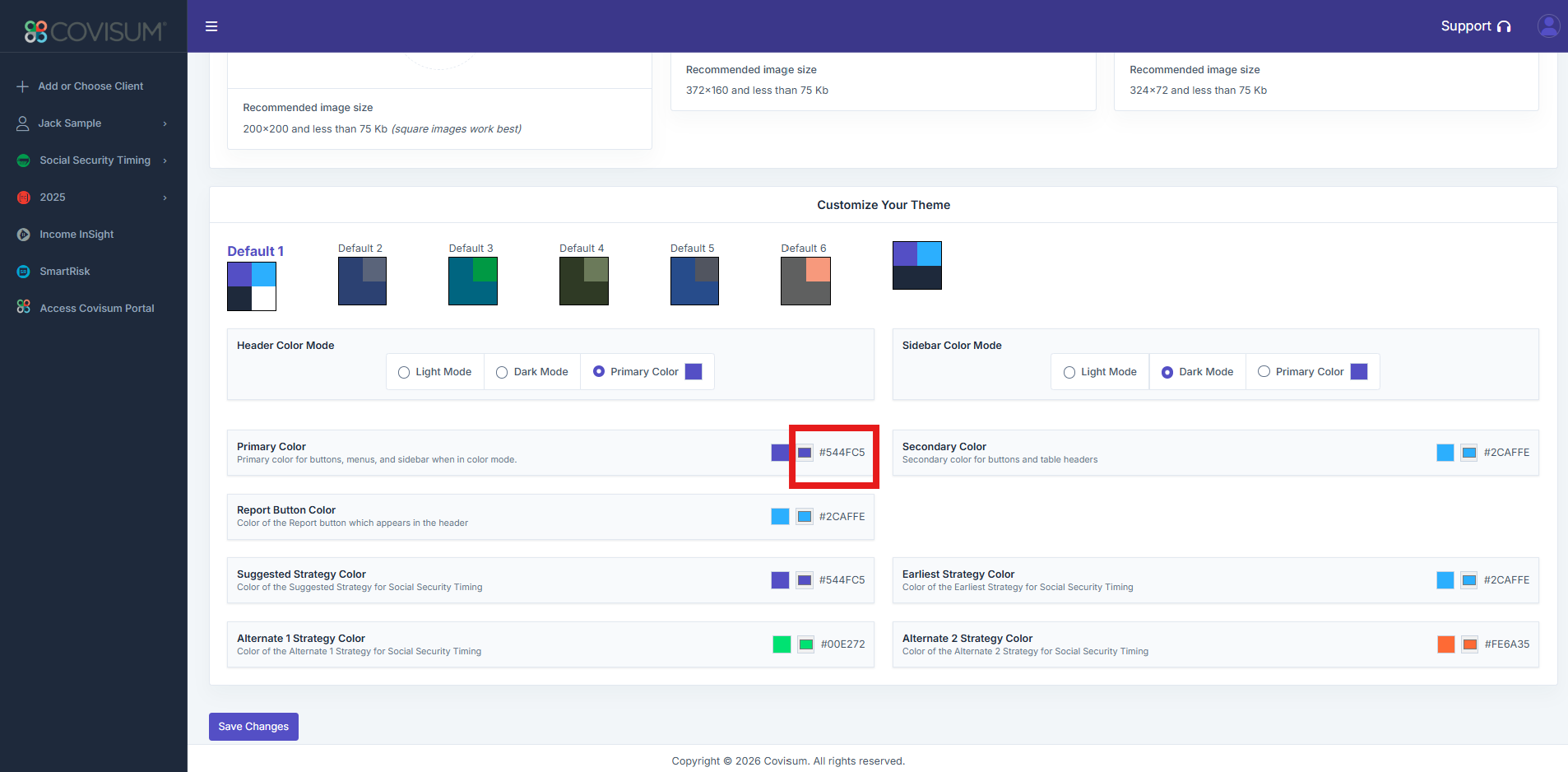
Theming: We over several default color options and the ability to customize your color palette. Double click on the color to make changes.